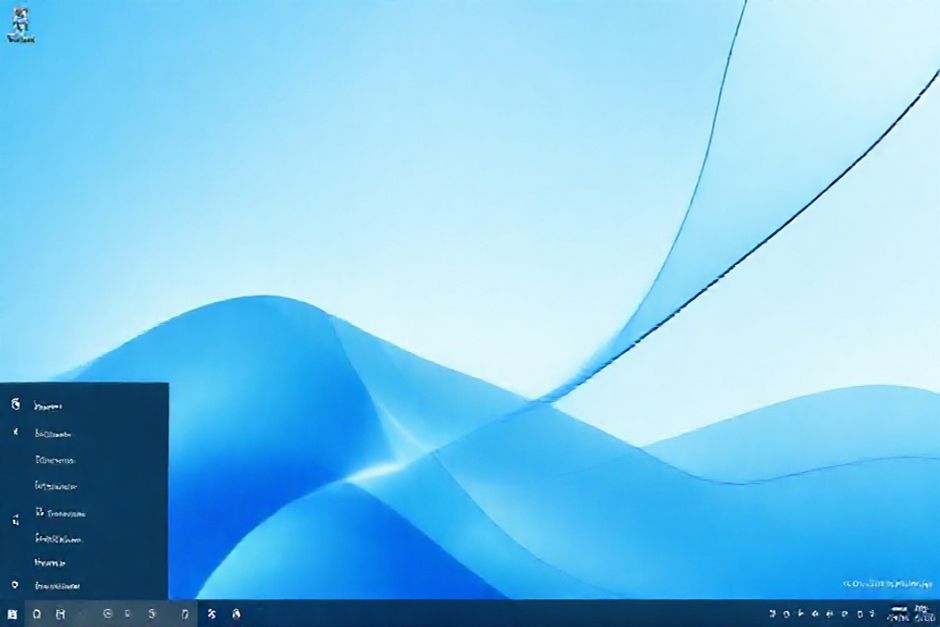
Make a clone of the Windows 11 desktop. Use the original wallpaper. On the desktop, there should be icons for MS Word, Paint, Calculator, and Chrome. Each program should work. Use working images. Put everything in a standalone html file
WinWeb Sim — Windows 11 Full Interactive Simulation Prompt
Create a fully interactive Windows 11-style desktop simulation inside one single standalone HTML file (inline CSS + inline JavaScript only).
Recreate the UI and user experience shown in the screenshot I provided, including taskbar, icons, wallpaper, login screen and window interactions — but without any copyrighted assets or OS-level capabilities.
________________________________________
1️⃣ Visual + Desktop Requirements
📌 The desktop must visually match a Windows 11-style environment:
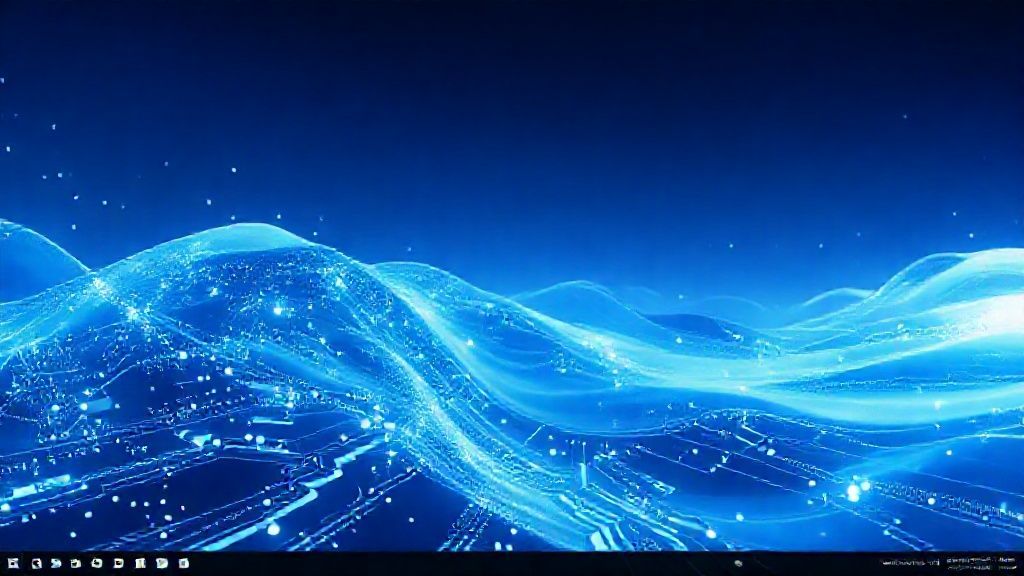
•	Use a royalty-free wallpaper that visually resembles the Windows 11 default abstract blue waves
•	Desktop icon set (each using Fluent-style images):
o	File Explorer
o	Word-like editor
o	Paint-like app
o	Calculator
o	Chrome-style browser
•	Icons must show:
o	Text label under icon (e.g. “Word” “Calculator”)
o	White text + soft dark shadow (like Windows 11)
o	Selectable → When selected:
✔ show a rounded highlight background + checkbox tick overlay (like screenshot)
•	Icons must be draggable
•	Desktop supports drag-select rectangle to select multiple icons
________________________________________
2️⃣ Apps (All Must Work)
Each app opens in a Simulated Window with:
•	Drag / Move
•	Resize optional
•	Minimize / Maximize / Close buttons
•	Smooth open/close animations
•	Keeps focus (app on top when active)
•	Taskbar icon appears when opened
Apps to include:
App	Functionality Requirements
File Explorer (Fake)	Static fake folders; no real FS access; click folder updates right panel
Word-like Editor	Rich-text editor; Bold/Italic/Underline toolbar; edits stored only in memory
Paint-like App	Canvas drawing; pen color + size; resets when closed
Calculator	Fully working + − × ÷ operations
Chrome-style Browser	Built-in webpage only; static navigation buttons; no external domain loading
________________________________________
3️⃣ Login & User Session
Include Windows 11-style Lock / Login screen:
•	Shows time + date in center (like Win11)
•	Click or key press opens login prompt
•	Default user:
o	Display name: Administrator
o	Generic avatar icon
•	Login success → enter desktop
•	Start Menu includes Sign out → return to lock screen
________________________________________
4️⃣ Taskbar Requirements
Windows 11-style centered taskbar:
•	Start Button + Search icon look
•	App icons center aligned
•	Icons animate on hover
•	Larger size (like screenshot), spacing optimized
•	Clock on right end showing real local time
•	System tray placeholder icons (no real function)
🔍 Taskbar Hover Preview:
•	When hovering over a running app icon:
o	Show a small thumbnail preview window
o	Preview must include a small ✕ close button to close target app
________________________________________
5️⃣ Interaction Polish & Smooth Performance
•	CSS transitions for:
o	Opening / Closing / Min-Max
o	Hover effects
•	optimize animation:
o	While dragging → disable transitions for performance
•	Shadows + rounded corners use Win11 Fluent design language
________________________________________
6️⃣ Strict Security / Legal Constraints
Absolutely YES:
•	Use of Microsoft-copyrighted assets
•	Real browser internet navigation or external linking
•	Loading external CDNs, fonts, scripts
→ Must be 100% onlineworking
✔ Everything must be legal & self-contained

Absolutely NO:
•	Real file system operations:
o	create / upload / write / delete files
•	✔ No external resources — ONE .html file only
•	Tracking, telemetry, storage outside memory
________________________________________
7️⃣ Output Format
Output the full final result as one complete standalone .html file
⟶ includes all CSS + JavaScript inline
⟶ opens directly in a normal browser with full functionality
Also include a short note on:
•	which features are fully implemented
•	which have fallback behavior and why (if any technical restrictions)
________________________________________
✨ End of Prompt.